




Harbor Health
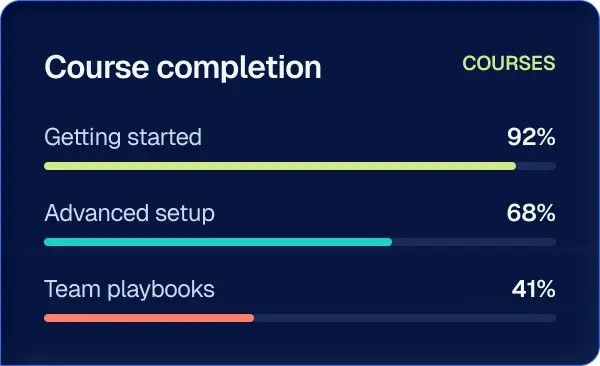
41% faster onboarding
“New hires were taking real calls in their second week instead of their second month.”
Marcus Webb
Training Lead, Harbor Health

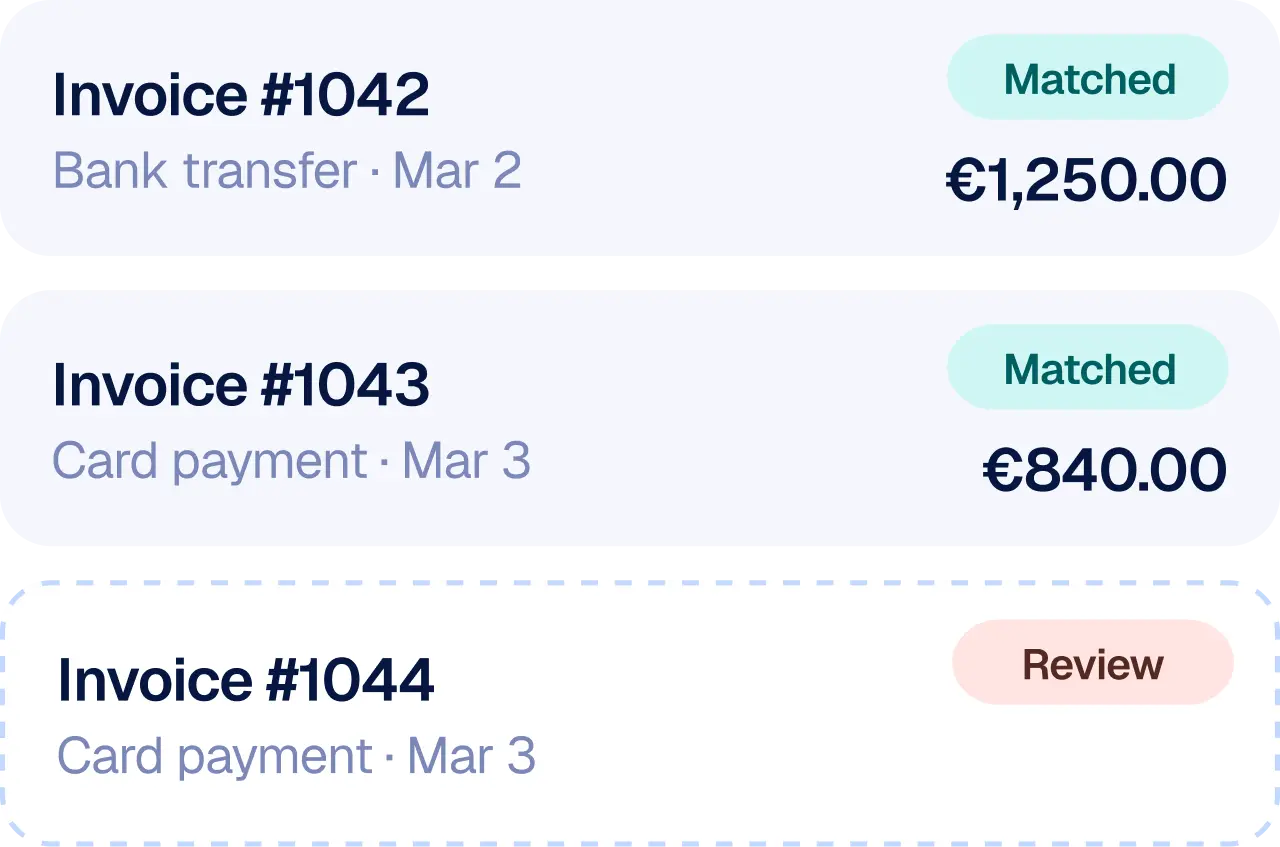
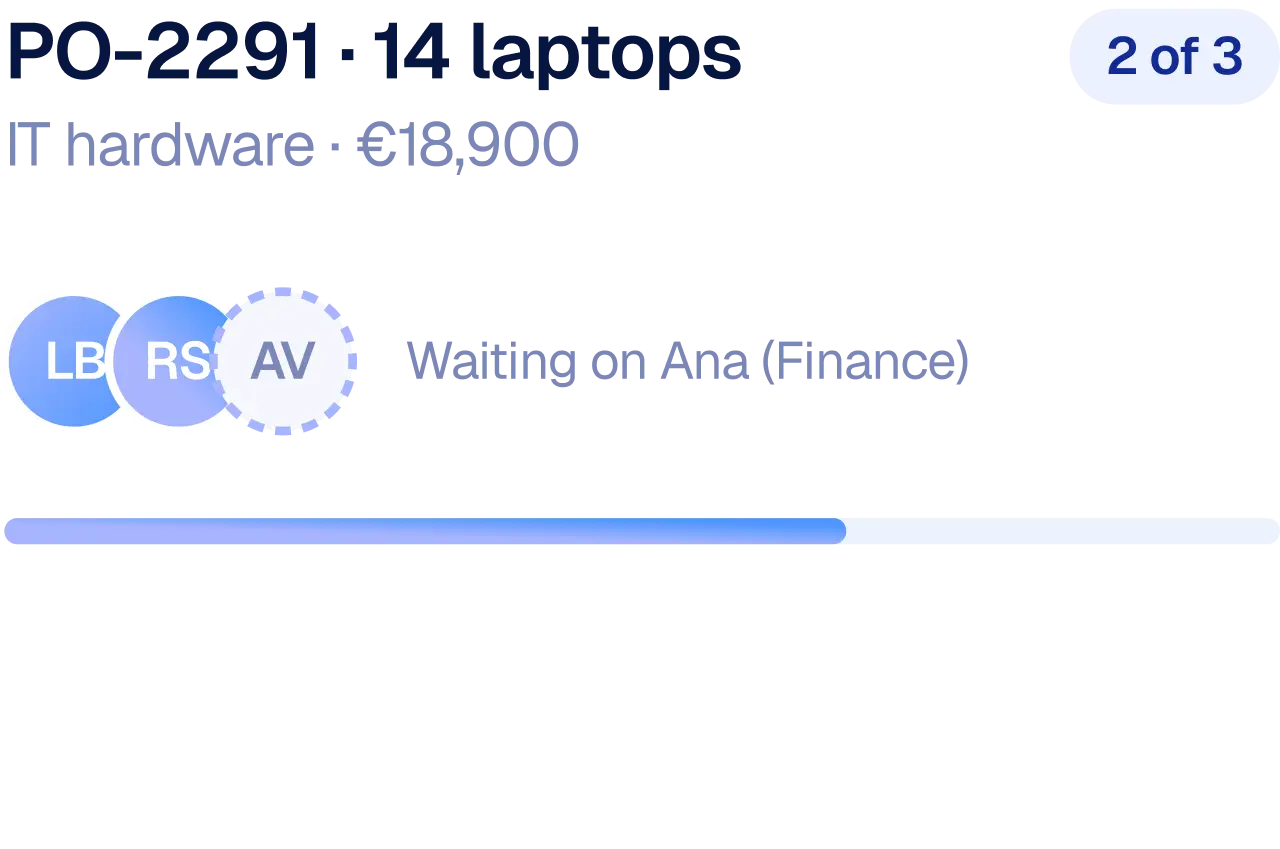
From capturing knowledge to powering intelligent work, bring your people, processes, and systems together with less effort and more leverage.
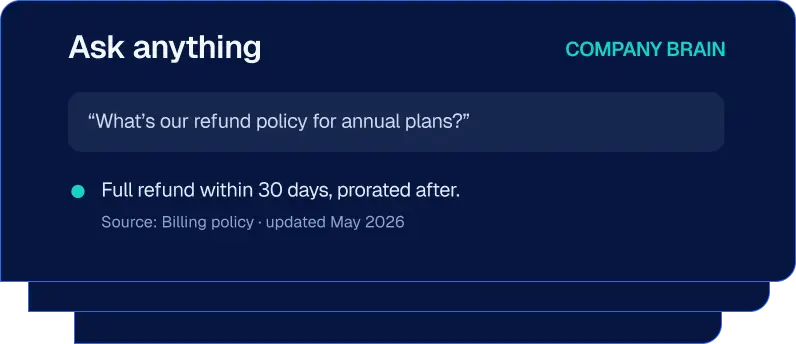
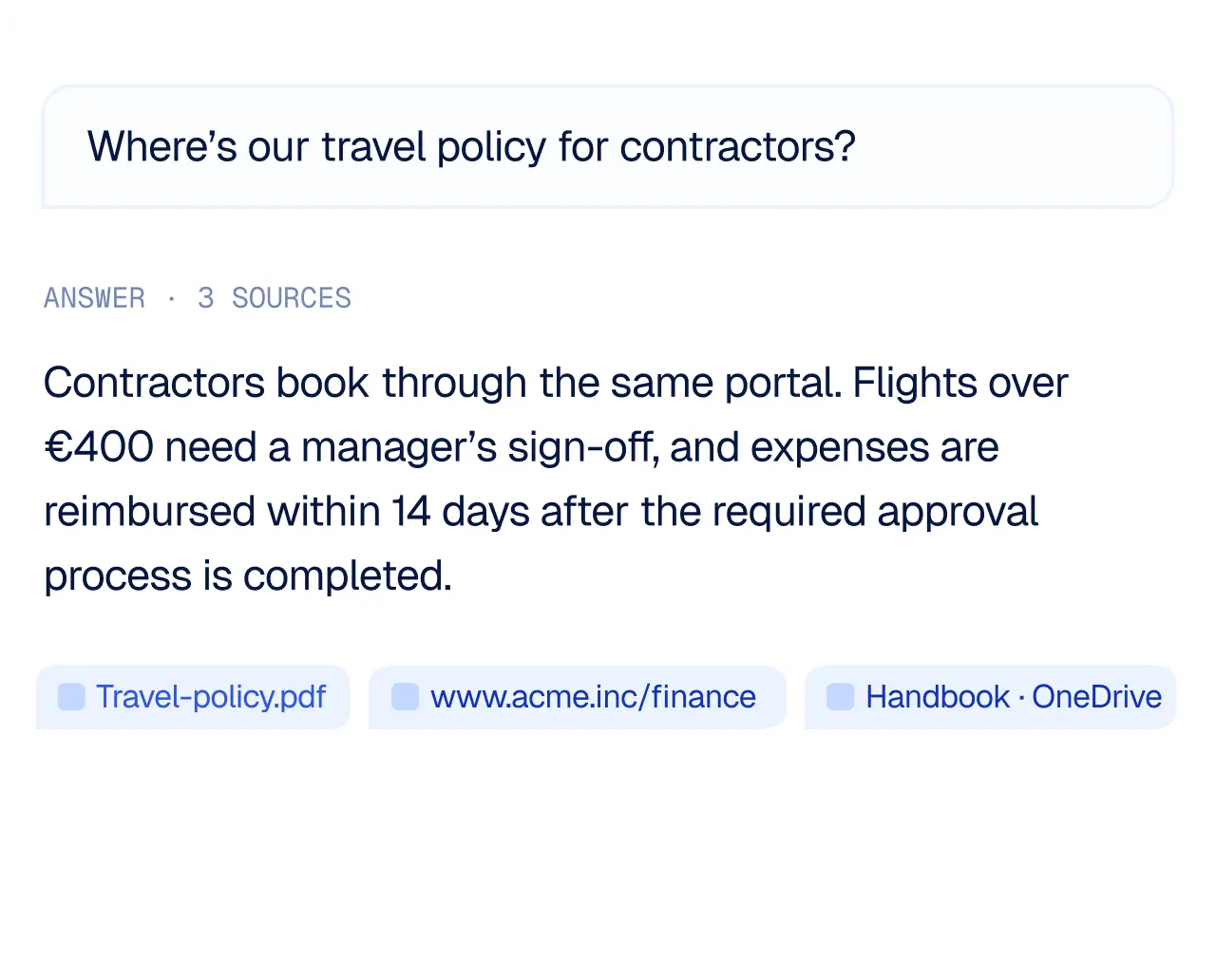
Company Brain brings your documents, knowledge, and important information together so everyone can find what they need.
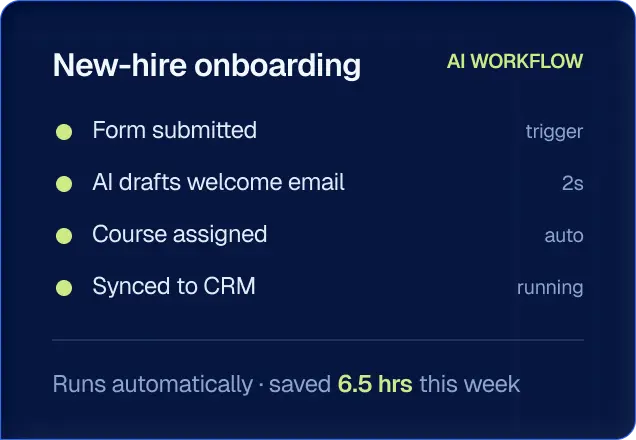
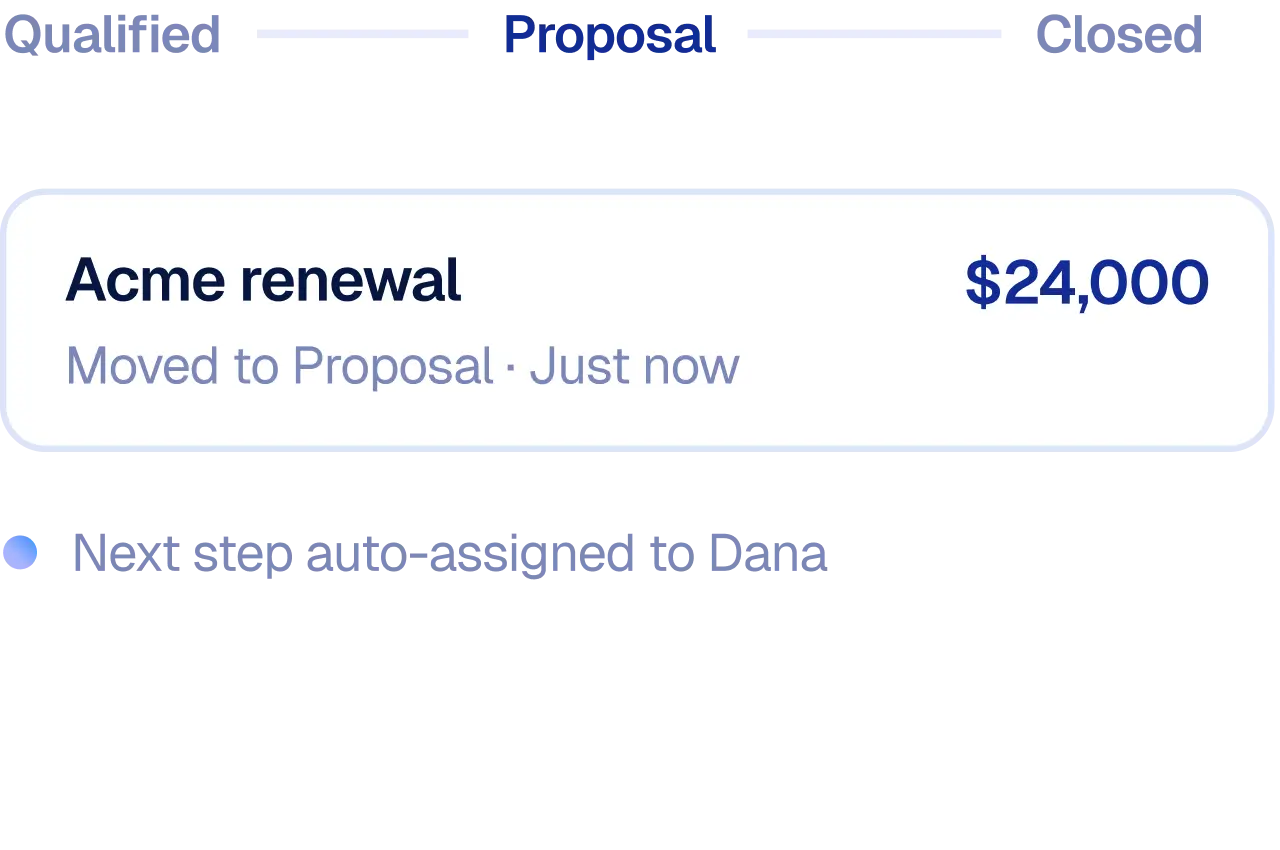
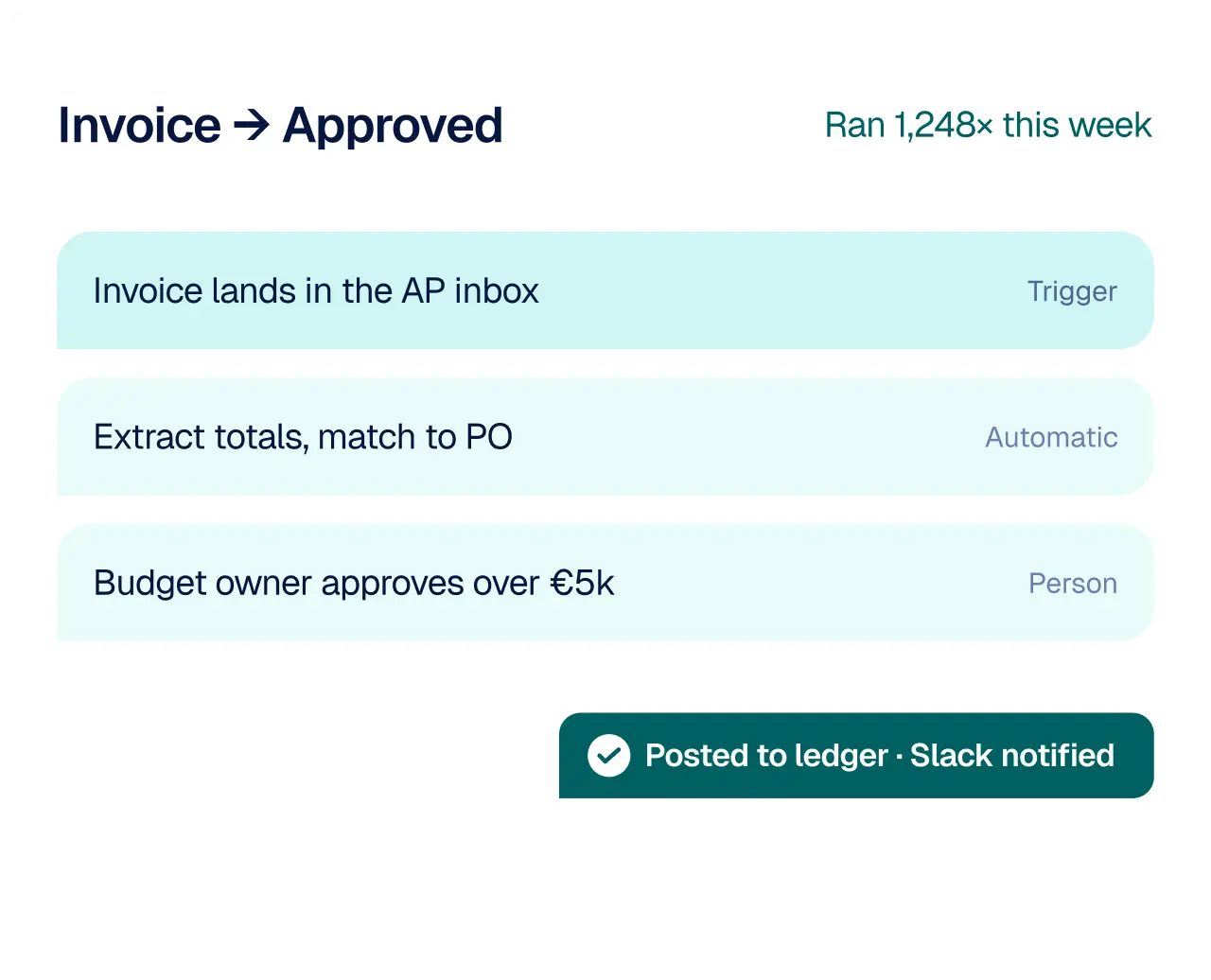
Handle repetitive tasks and build simple processes that keep work moving without constant manual effort.
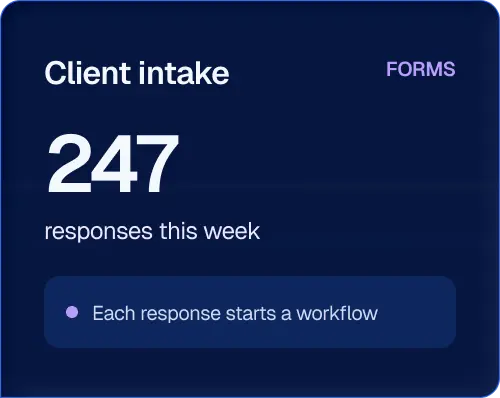
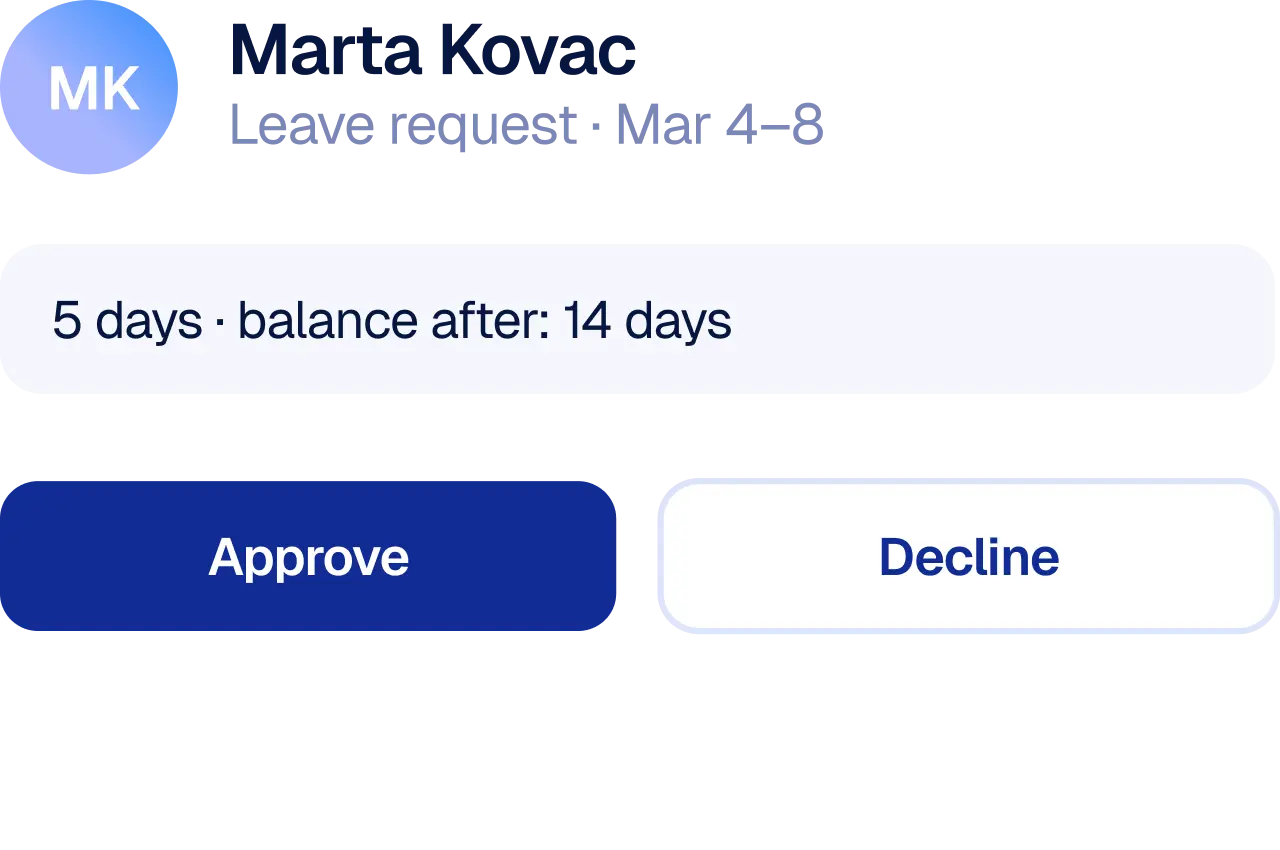
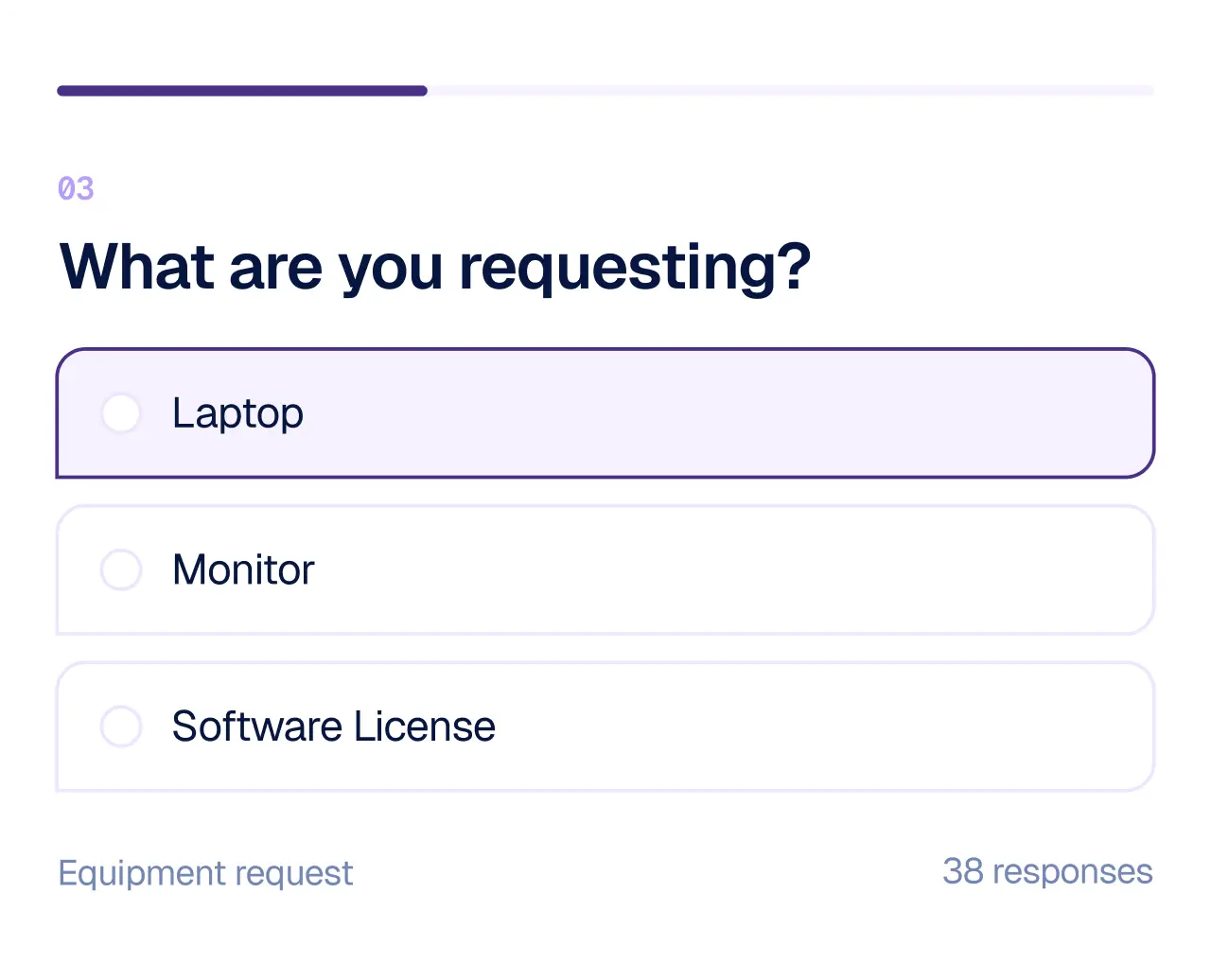
Forms make it easy to gather requests, feedback, applications, and other information from your team or customers.
Companies already building with Growy












What it runs from end to end
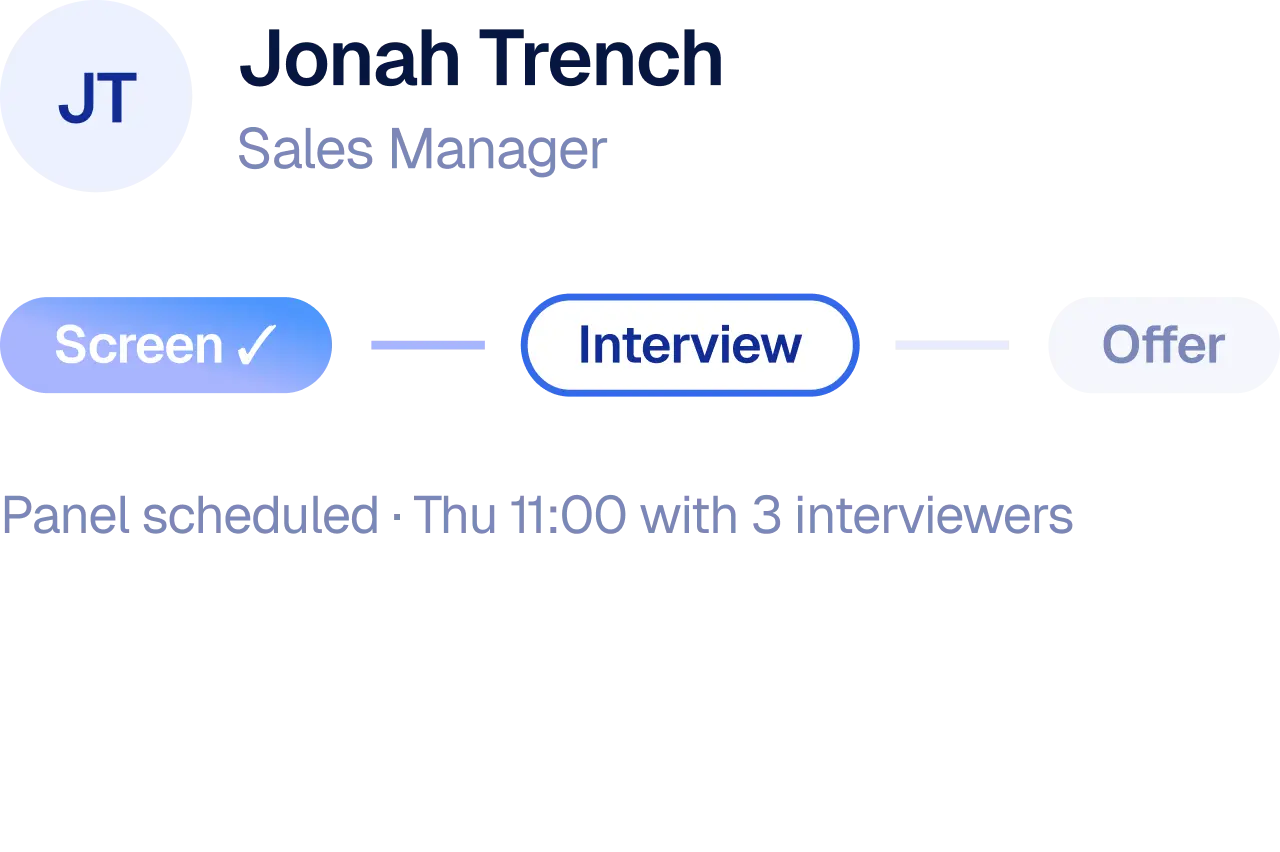
Take a job application. From the moment it lands in the recruiter's inbox to the moment the candidate hears back, every step is handled in sequence. Screening and follow-up emails are taken care of automatically, while the decision on who moves forward stays with a person.
See how it worksJob application workflow
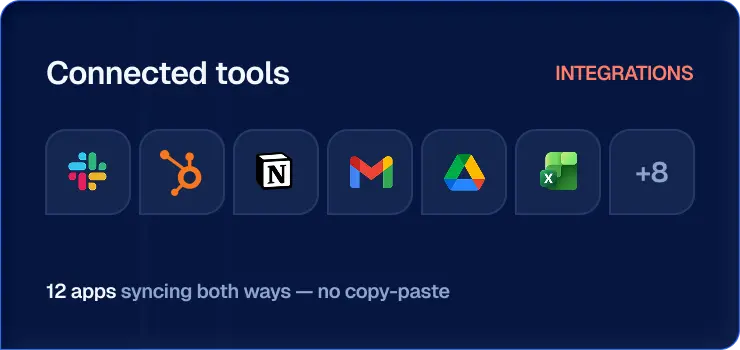
3,000+ integrations
Find the tools your team uses, pick the ones you need, and see a real operational example built on them.





Customer stories

Lumen Bank
“We went from reviewing a handful of calls a week to seeing every single one.”

Northwind Freight
“We didn't add people. We added movement, and the same team started closing three times the volume.”
Harbor Health
“New hires were taking real calls in their second week instead of their second month.”
Have questions? Find the answers you need to get started.
Growy connects to thousands of business apps, including Microsoft 365 (Outlook, Excel, OneDrive, SharePoint), Google Workspace, CRMs, HR and recruitment platforms, accounting tools
You can add custom integrations that connect to any tool with a REST or GraphQL API. Once added, every agent and workflow in your workspace can use it.
No. Most integrations connect by signing in to the tool from Growy. Once a tool is connected, your team picks the events and actions they need, like “new email received” or “create a record,” without writing code.
Yes. Connect a tool once for the whole workspace, or link a different account on a specific step. For example, one workflow can read from your HR inbox and send from your recruitment inbox.
Yes. Every implementation is designed around your specific workflows, systems, and operational rules, including approval steps, exceptions, and handoffs between teams.
Owners, Super Admins and Admins control which tools are connected and who can use them. This keeps access to your business systems in the hands of the people responsible for them.